
A table tonight. You don’t call anyone.
Tell NUM where and when. It checks the places locals rate, sends your request to the restaurant, and tells you the moment they say yes.
- Three checked picks, never a list of fifty
- NUM asks the restaurant for you and keeps you posted
- Food to pick up, ordered ahead

Get on the list tonight.
NUM checks what is on tonight in your city: clubs, bars, live music and events. On nights with a NUM guest list, add your name in the app and get your door code by text.
- 225 nights checked, from Los Angeles to Bangkok
- Join a guest list in the app, door code by text
- Tickets and events near you

Hotels at member prices, booked inside NUM.
Sign in free and NUM shows the member price on hotels that have one. Book the room without leaving the chat. The price is the same on every plan.
- Member prices with a free account
- Booked in NUM, not handed to another site
- Ask for what matters to you: quiet, a pool, walkable

Live fares, and a heads-up when your flight moves.
NUM searches live fares and shows when each price was checked. Watch a flight and it tells you about gate changes and delays as they happen.
- Live fare search, free on every plan
- Flight alerts for gate changes and delays
- Flight delay claims if your flight was late

A car, a train or a boat. One ask.
Ask for a car to the airport and NUM gives you the button to get it. It routes you on trains, metro and buses, and a host can arrange a private car, boat or plane.
- A car with one tap
- Trains, metro, buses and scooters, routed
- Private car, boat or plane through a host

Spa, salon or gym, booked like a table.
Massage, a haircut, nails, a class or a swim. Where the place takes bookings online, NUM books the time with them directly and offers the nearest slot when yours is taken.
- Spas and salons booked straight into their calendar
- Gyms, classes and pools near you
- Nearest open time when yours is gone
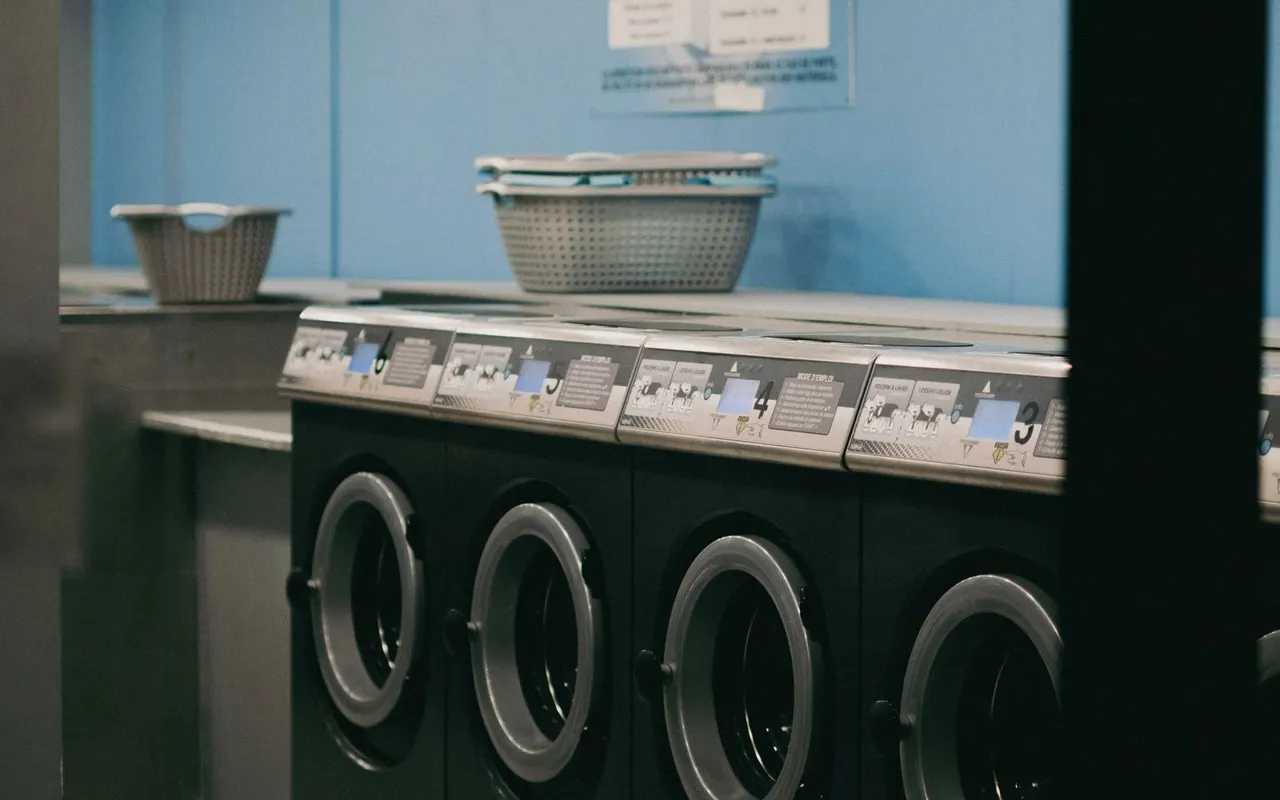
Dry cleaning, a pharmacy, someone to help.
The small jobs a trip throws up: laundry, post, a pharmacy, a vet for the dog, a desk for the day, or someone to run the errand for you.
- Errands near where you are staying
- Someone to hire for a job
- Pets, kids and a desk for the day

What your passport needs, before you land.
NUM checks what your passport needs to enter where you are going: visa, forms, vaccinations, insurance. Then it gets you data with an eSIM in 200+ countries.
- An entry checklist for your passport and destination
- eSIM data, bought by text or in the app
- Reminders before the trip, not at the border

One plan everybody can see.
Start a plan and add friends. Picks, times and bookings land on everyone’s calendar, and the bill splits itself at the end of the night.
- Shared plans with friends, no limit
- Everyone sees the same times and bookings
- Split the bill and settle up

Go out, play, collect Stars.
Check in and play at places near you for shooting stars. Stars are worth a dollar each, climb city and world leaderboards, and partner places add their own perks.
- Play at places for shooting stars
- City and world leaderboards
- Perks at partner places
Wherever you already are.
Open app.itsnum.com. Nothing to download from a store.
Add @799pyrus and text NUM like a friend.
Plain SMS, no app at all. How it works.
The Stage, a trip board and Cmd K to find anything.
Add NUM to Claude, Cursor or VS Code. For AI agents.
Put NUM on your home screen
Two taps. It opens like any other app and can tell you when your table is confirmed.
In Safari, tap Share at the bottom, then Add to Home Screen. In Chrome, Share is at the top.
In Chrome, tap the ⋮ menu at the top right, then Install app.